
Brother Solution Guide
Education
Brother Offers Document Management Solutions That Address the Needs Of:
Solutions Designed for Education
Maintain Compliance and Security
Helps safeguard sensitive student information and school records in accordance with the Family Educational Rights and Privacy Act (FERPA) requirements.
Deployment and Management Tools
Enable mass distribution of device configurations, security settings, firmware updates, and task automation.
Education Platform Compatibility
Devices that are compatible with Eduphoria! and Chromebooks to support administering and analyzing student assessments and student printing.
Why Brother?
Reduce IT Burden
Support for deployment and award-winning reliability.
Maintain Compliance and Security
Help protect sensitive student information for FERPA compliance.
Lower Print and Supply Costs
Optimize devices to meet workflow, budget, and location requirements.
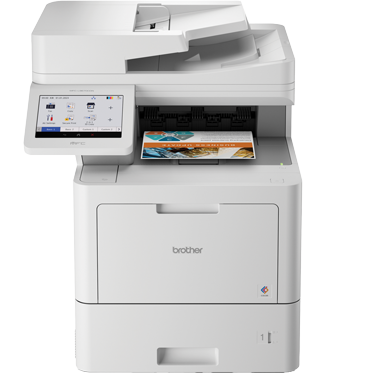
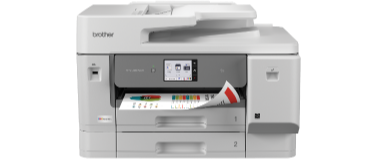
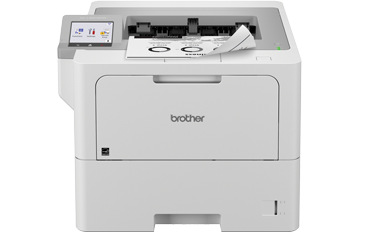
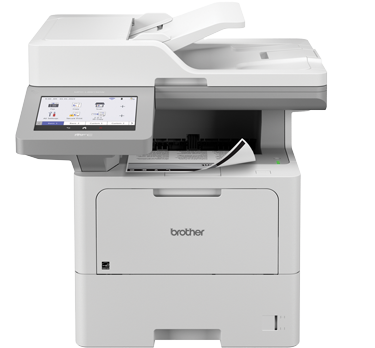
Recommended Devices for Education
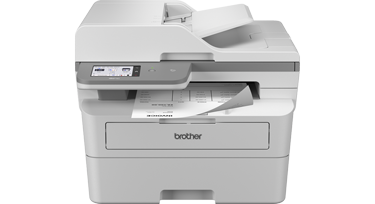
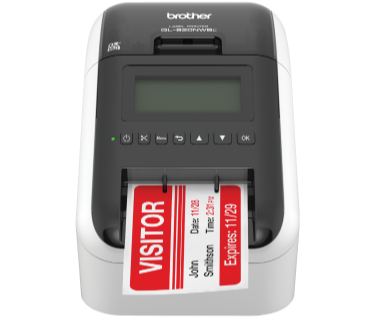
Seamless Verification
- Help ensure a safe environment
- Print temporary ID badges
- Parents, guardians, and visitors
- Easy integration
Brother Addresses Your Visitor Management Challenges
- Efficient check-in. Automate guest registration and integrate a label printer to complete the process expediently.
- Security. Produce on-demand, professional badges that make it easy to identify guests.
- Compatibility with third-party systems. Label printers pair with front-end apps to capture guest details and instantly print photo or QR-coded badges.
Recommended Devices for Visitor Management
Recommended Solutions for Visitor Management
AirPrint®
Wirelessly print from and scan to AirPrint-enabled devices* connected to the same network segment as the printer.
b-PAC for Windows
Enables third-party developers to build custom solutions for and integrate with Brother labeling machines.
Brother Print SDK for Android™ and iPhone® / iPad®
Enables third-party developers to build custom solutions for and integrate with Brother labeling machines.
Enhanced Learning
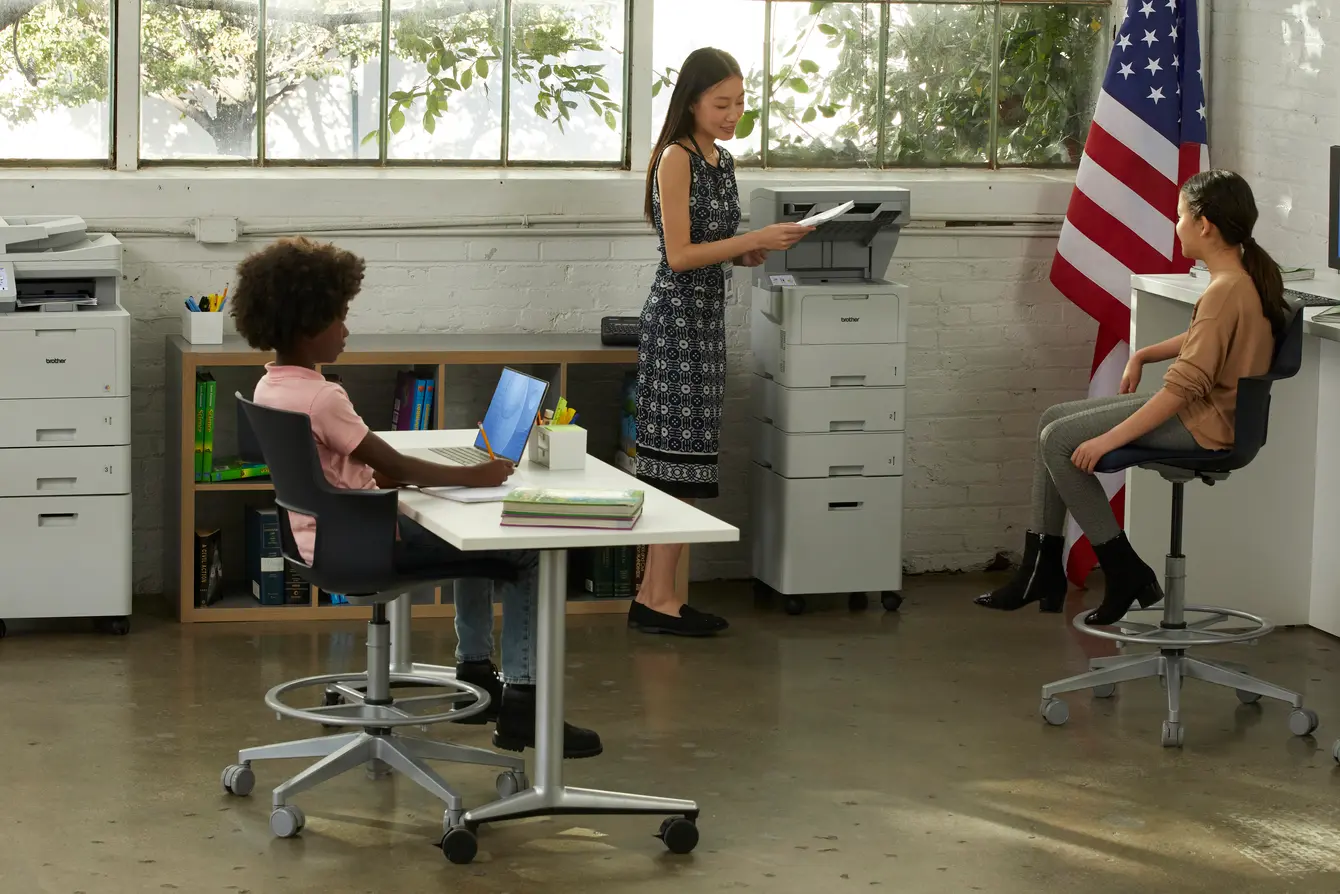
- Print classroom materials
- Project visuals and resources
- Students can print assignments
- Lesson plans and parent paperwork
Brother Addresses Your Classroom Challenges
- Continuous supervision. Teachers can easily print and scan documents as needed without leaving the classroom.
- Compact size. Desktop devices that offer professional results with dependable performance for limited space areas.
- Reduce print and supply costs. Maximize budgets with built-in value of high yield in-box and replacement cartridges.
Recommended Devices for Classroom
Recommended Solutions for Classroom
AirPrint®
Wirelessly print from and scan to AirPrint-enabled devices* connected to the same network segment as the printer.

Google Drive™ / Google Drive™ Business
Connect to a Google Drive™ account directly from a compatible Brother device* to scan and print documents.

Value Print Program Plus (VPP+)
Provides discounts on Brother Genuine Supplies and includes a limited warranty extension to 3 full years of warranty coverage on select hardware models.
Device Efficiency
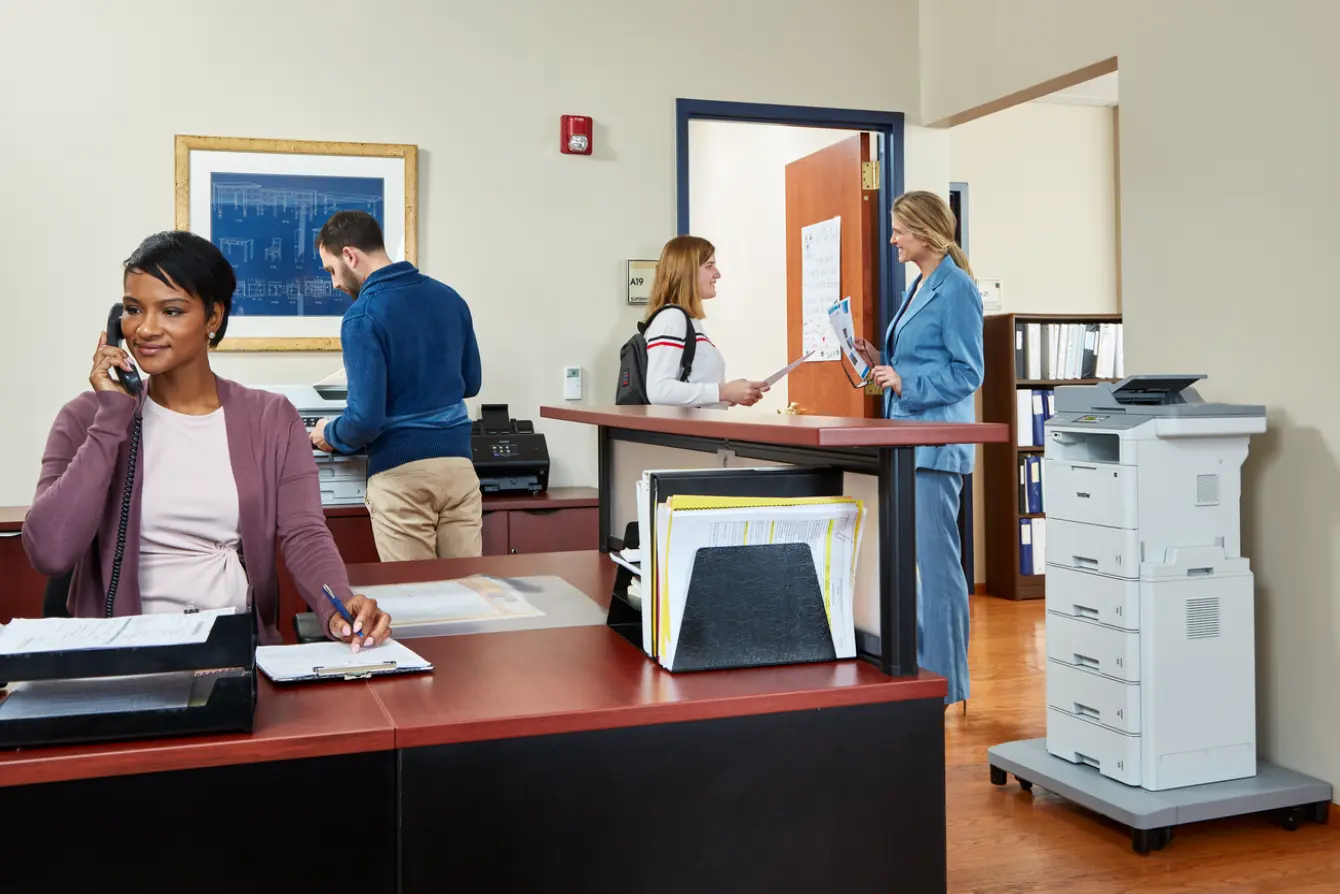
- Authorized access to confidential documents
- Educational materials and resources
- Records, transcripts, and reports
- Flyers, posters, and announcements
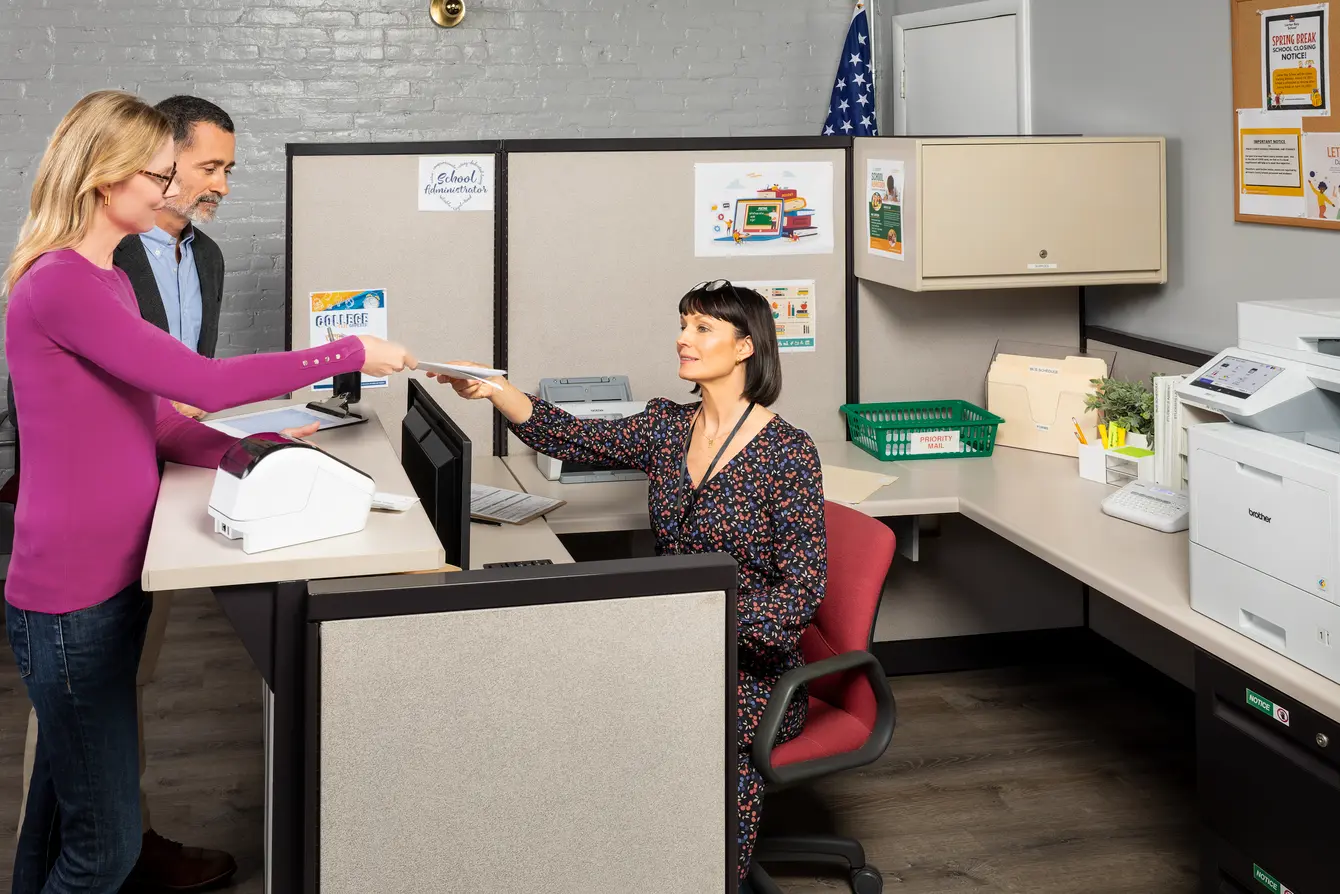
Brother Addresses Your Administrative Office Challenges
- Security. Advanced features include badge authentication to restrict device access and control access to color printing.
- Reduce print and supply costs. Maximize budgets with built-in value of high yield in-box and replacement cartridges.
- Durable asset labels. Easily create labels for a wide range of equipment, and safety labels to remind staff of procedures and restrictions.
Recommended Devices for Administrative Office
Recommended Solutions for Administrative Office

P-touch Editor
Create and print barcode labels or other specialty labels individually or as multiple labels in a batch.

Secure Print Advanced
Ensures that confidential or sensitive documents do not print until the user authenticates by entering a PIN or via an NFC card on the machine's integrated NFC card reader.
Value Print Program Plus (VPP+)
Provides discounts on Brother Genuine Supplies and includes a limited warranty extension to 3 full years of warranty coverage on select hardware models.