Brother Solution Guide
Retail
Brother Offers Document Management Solutions That Address the Needs Of:
Solutions Designed for Retail
Maintain Compliance and Security
Helps safeguard sensitive customer information for Payment Card Industry (PCI) compliance.
Deployment and Management Tools
Enable mass distribution of device configurations, security settings, firmware updates, and task automation.
Customized Workflow Solutions
Ensure productivity throughout your organization and between different locations and departments.
Why Brother?
Reduce IT Burden
Support for deployment and award-winning reliability.
Maintain Compliance and Security
Help protect sensitive customer information for PCI compliance.
Lower Print and Supply Costs
Optimize devices to meet workflow, budget, and location requirements.
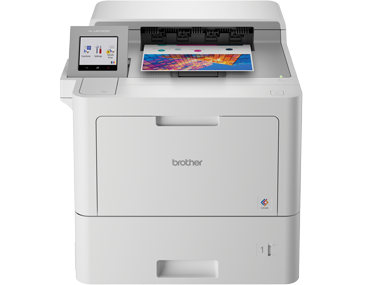
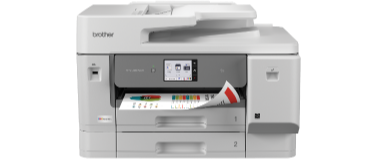
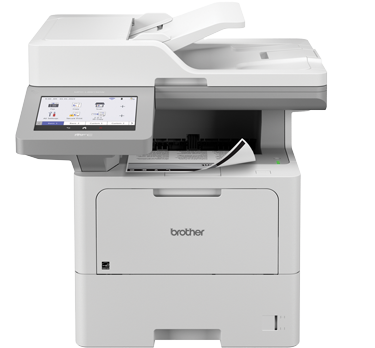
Recommended Devices for Retail
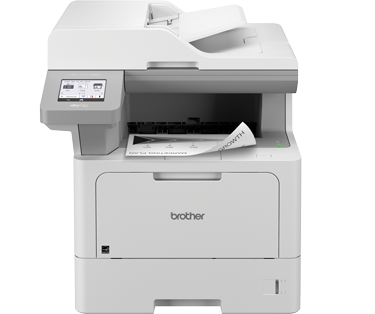
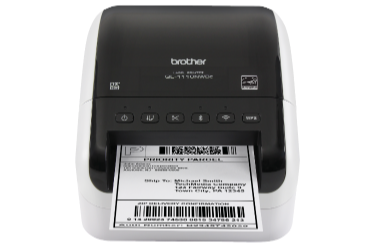
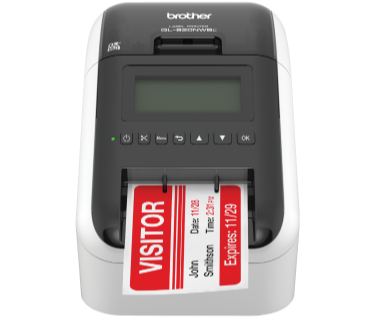
Efficient Transactions
- Payment processing
- Customer service
- Store operations
- Compact, space-saving devices
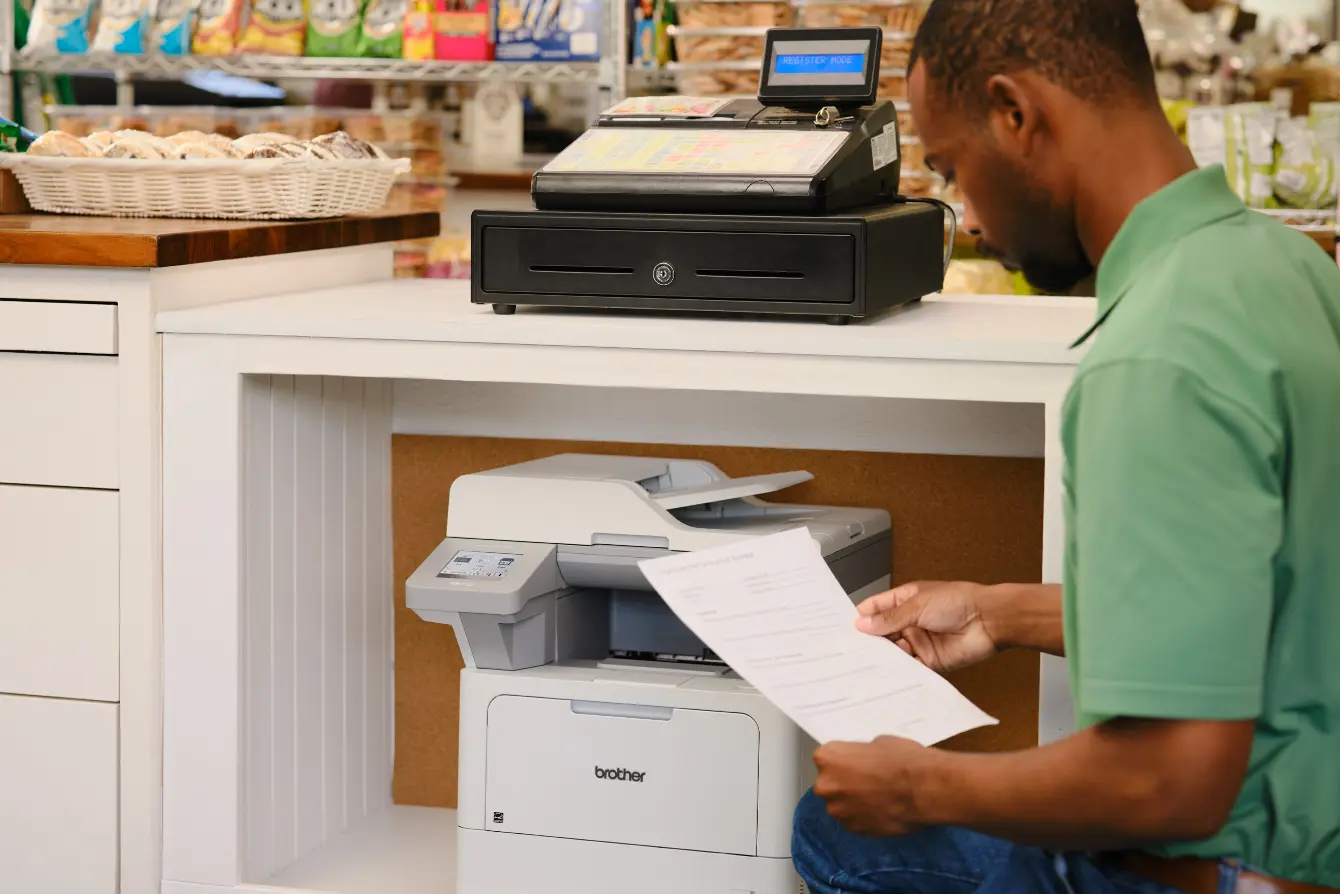
Brother Addresses Your Cash Wrap Challenges
- Transaction documents. Print detailed multi-page invoices, sales contracts, and warranties.
- Compliance and security. Help secure sensitive customer information to meet PCI compliance.
- Limited space. Desktop devices that deliver professional results and reliable performance in a compact footprint.
Recommended Devices for Cash Wrap
Recommended Solutions for Cash Wrap
AirPrint®
Wirelessly print from and scan to AirPrint-enabled devices* connected to the same network segment as the printer.
Brother Print SDK for Android™ and iPhone® / iPad®
Enables third-party developers to build custom solutions for and integrate with Brother labeling machines.
Scan to SSH Server (SFTP)
Uses the Secure Shell Protocol to establish a private and safe data stream when scanning documents to a network destination. Also known as SFTP (Secure Shell File Transfer Protocol).
Operational Center
- Sales associate records
- Reporting to corporate
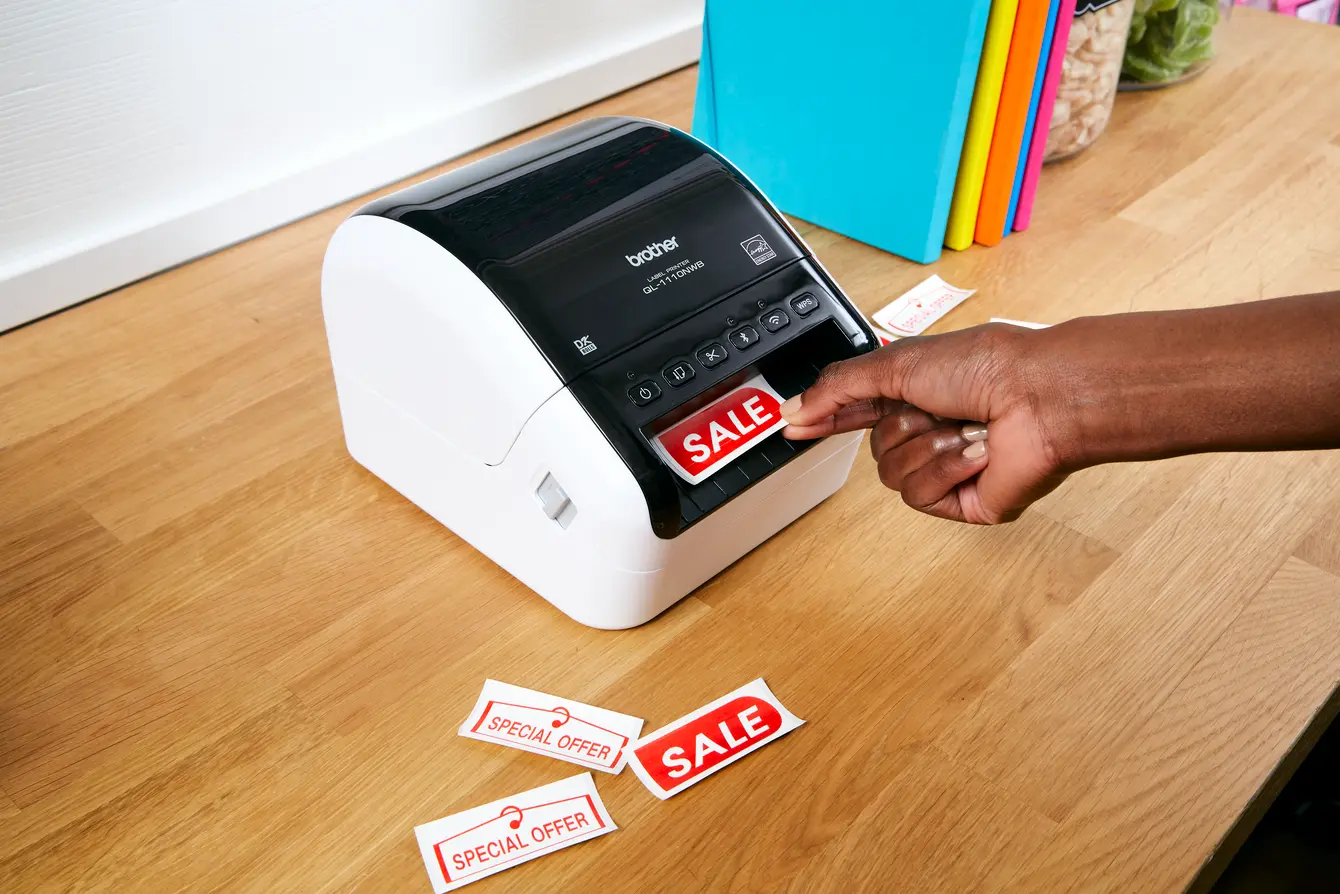
- Print vivid color signage
- POS labels and tags
Brother Addresses Your Back Office Challenges
- Compact size. Desktop devices that offer professional results with dependable performance for limited space areas.
- Reduce print and supply costs. Maximize budgets with built-in value of high yield in-box and replacement cartridges.
- Durable asset labels. Create long-lasting labels for a wide range of equipment, along with safety labels that reinforce workplace procedures and restrictions.
Recommended Devices for Back Office
Recommended Solutions for Back Office

P-touch Editor
Create and print barcode labels or other specialty labels individually or as multiple labels in a batch.
Secure Print Advanced
Ensures that confidential or sensitive documents do not print until the user authenticates by entering a PIN or via an NFC card on the machine's integrated NFC card reader.

Value Print Program Plus (VPP+)
Provides discounts on Brother Genuine Supplies and includes a limited warranty extension to 3 full years of warranty coverage on select hardware models.
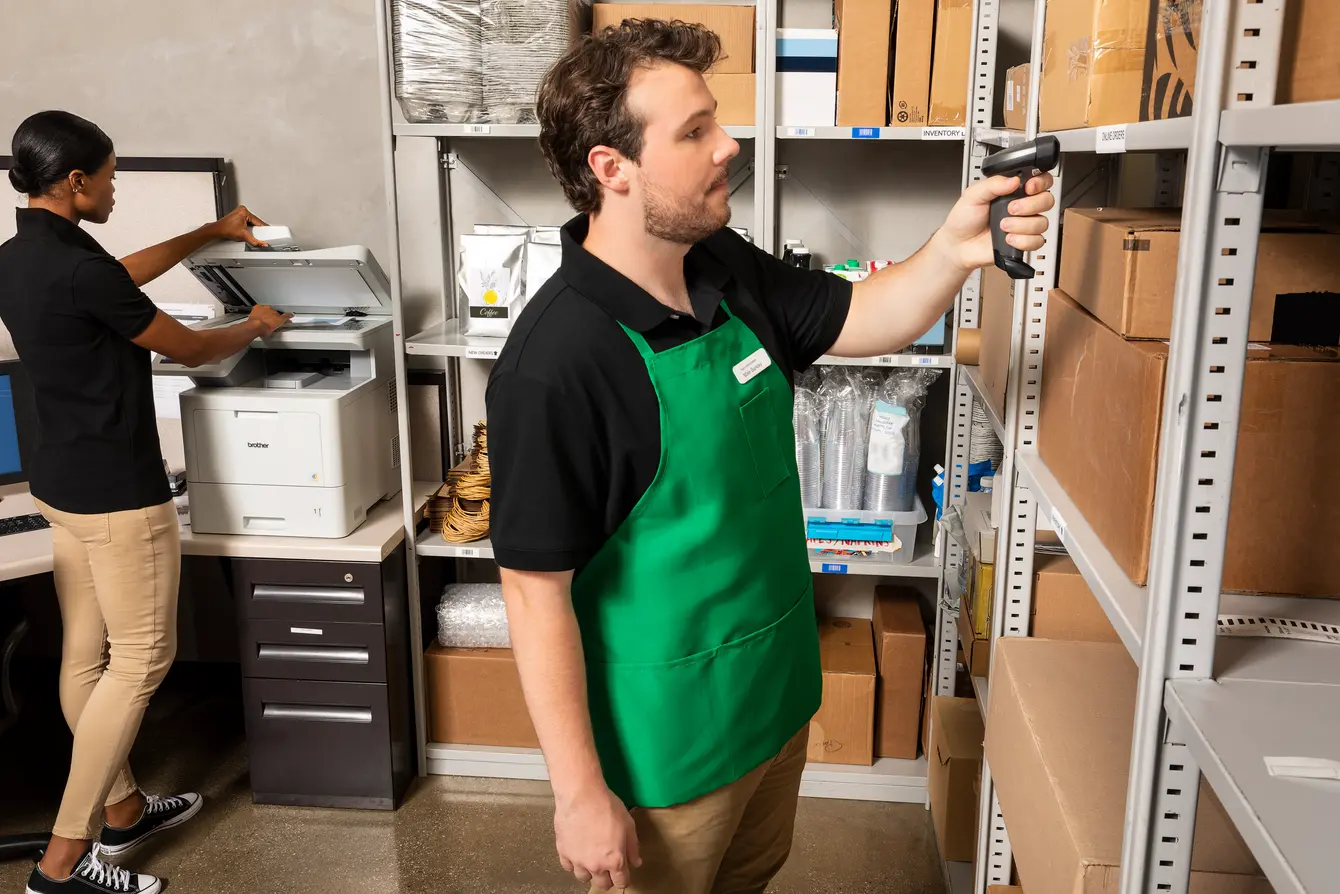
Fulfillment Center
- Shipping and receiving labels
- Carbon copy printing
- Pick lists
- Inventory and material asset tracking
Brother Addresses Your Warehouse Challenges
- Compact size. Desktop devices that offer professional results with dependable performance for limited space areas.
- Reduce print and supply costs. Maximize budgets with built-in value of high yield in-box and replacement cartridges.
- Durable asset labels. Easily create labels for a wide range of equipment, and safety labels to remind staff of procedures and restrictions.
Recommended Devices for Warehouse
Recommended Solutions for Warehouse
Carbon Copy Print
Alternative to dot matrix carbon copy printing on a Brother laser machine.
P-touch Editor
Create and print barcode labels or other specialty labels individually or as multiple labels in a batch.
Value Print Program Plus (VPP+)
Provides discounts on Brother Genuine Supplies and includes a limited warranty extension to 3 full years of warranty coverage on select hardware models.